
IT Monitoring with Automated Incident Management
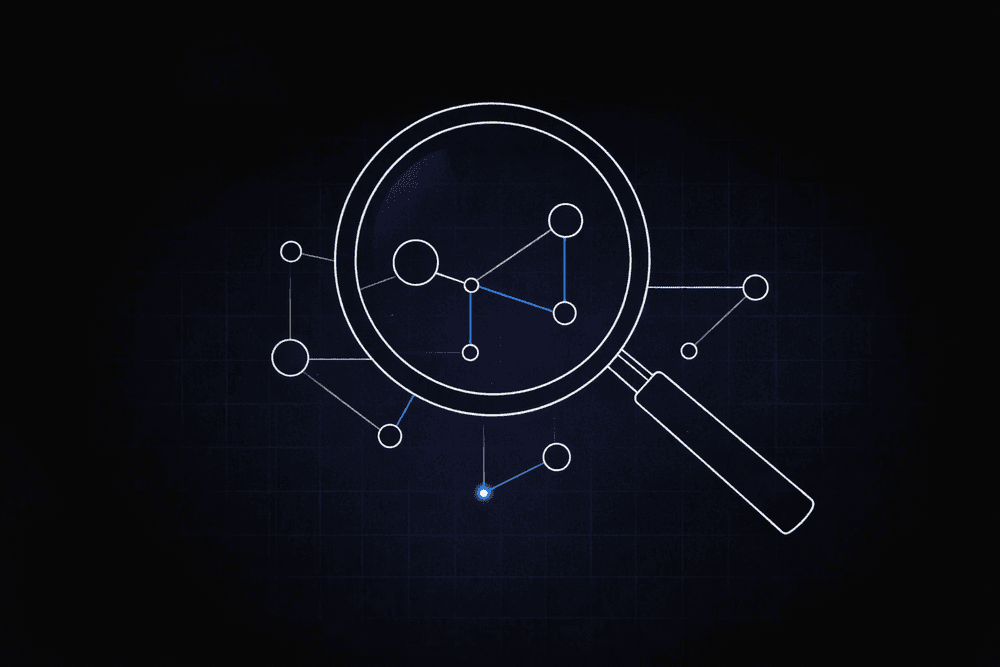
For large enterprises, an hour of unplanned downtime regularly costs seven figures. Monitoring investment keeps growing. Results lag when alerts do not turn into action. That delay leaves teams responding after operations are already affected.
The core problem is not detection. Most enterprise environments have monitoring tools. The problem is what happens between an alert firing and a governed decision being made. Usually: nothing fast enough.
Why Reactive Incident Response Fails at Enterprise Scale
Enterprise IT teams often run monitoring without governed response workflows. An alert fires. Manual triage begins. Escalations are delayed. The incident deepens before anyone acts.
In 87% of affected organizations, a major outage could have been prevented with better management or processes, according to the Uptime Institute. Outages are management and process failures as often as they are infrastructure failures.
Reactive operations face pressure from three directions at once.
- Staffing shortages: By 2027, 40% of IT operations roles will be unfilled in the G20, according to IDC. Reactive operations require headcount that won't exist.
- Alert fatigue: Enterprise monitoring environments generate thousands of alerts per day. Without automated triage, human reviewers either drown in noise or start ignoring alerts entirely. Both outcomes leave critical signals unaddressed until an incident has already escalated.
- Mean time to resolve (MTTR): MTTR measures the average time from incident detection to full resolution. Manual triage at each stage, acknowledgment, diagnosis, escalation and remediation adds delay at every handoff. In complex enterprise environments with distributed systems, those delays compound quickly. Every manual handoff is a window for the incident to grow.
Manual triage will not scale.
How Automated Incident Management Works
Automated incident management replaces manual triage with governed workflows. Alerts move into decisions without depending on a person to initiate each step.
- Alert ingestion and classification: Monitoring tools generate alerts. Automated workflows receive those alerts, classify them by severity and type using AI-assisted triage, and filter noise from signal. Alerts that do not meet threshold criteria are logged and dismissed without creating manual work. Alerts that meet criteria move forward.
- AI-assisted triage and context enrichment: For alerts that require attention, AI agents pull relevant context: affected systems, recent change history, related open incidents, and historical resolution patterns for the same alert type. This enrichment happens before a human reviewer sees the incident, so the reviewer arrives with context rather than having to gather it manually.
- Human reviewand approval at decision gates: Configurable decision thresholds determine which actions the workflow executes automatically and which require human review before proceeding. Low-risk, high-confidence actions, such as restarting a known-failing service within a defined playbook, can proceed automatically. High-stakes or ambiguous actions pause for human approval. This keeps human judgment where it adds value without requiring humans in every step.
- Remediation and audit trail: Approved actions are executed through integrated systems. Every agent action, human decision, and system change is logged with a complete audit trail. The resolution is traceable from the originating alert through every step to the closed ticket.
This architecture addresses alert fatigue by filtering noise before it reaches human reviewers. It reduces MTTR by removing manual handoffs from steps that do not require human judgment. And it addresses governance risk by ensuring every consequential action is logged and attributable.
Where Governed Incident Response Applies in Enterprise IT
The same workflow architecture applies across several recurring IT incident types.
- Infrastructure and availability incidents: When a server, network component, or cloud resource degrades or fails, automated workflows classify the alert, enrich it with configuration and dependency context, and route it to the right team or trigger a defined remediation playbook. Teams that previously spent the first 30 minutes gathering context can instead start with a complete picture.
- Security and access incidents: These require a fast response with a full audit trail. When access controls, authentication systems, or security monitoring surfaces an anomaly, automated workflows log the event, apply classification rules, and trigger the appropriate escalation path. For incidents that require containment actions, human approval gates ensure high-stakes decisions stay under human control even when the workflow moves fast.
- Change-induced incidents: A significant source of unplanned downtime. When a deployment, configuration change, or patch introduces instability, automated workflows can correlate the incident with recent change records, surface the probable cause to the reviewer, and initiate rollback workflows where rollback is within defined policy boundaries. This narrows the diagnostic window significantly.
- Service desk and ticket overflow: High-volume IT service requests that follow known patterns, such as password resets, access provisioning, and device issues, can be triaged and resolved via automated workflows, eliminating the need for a manual queue. Sanofi has set a target to automate 80% of IT requests, projecting 10 million euros in annual savings by running agentic workflows on its own data infrastructure, according to Fortune. Incidents that fall outside standard patterns escalate to human reviewers with full context.
Build Governed Incident Response with Elementum
Elementum's AI Workflow Orchestration Platform and AI Agent Management capabilities are built for this architecture. Our Workflow Engine routes alerts into governed workflows with AI-assisted triage. Configurable decision thresholds determine which actions proceed automatically and which route to human review. Every agent action is logged and revocable.
For organizations where data residency is a governance requirement, our Zero Persistence architecture ensures monitoring data stays in your environment. We never train on, replicate, or warehouse your data. CloudLinks query it in real time across Snowflake, Databricks, AWS, Azure, and 200+ data sources without copying a single row.
Pre-integrations with OpenAI, Gemini, Anthropic, Amazon Bedrock, and Snowflake Cortex support AI-assisted triage across models without rebuilding workflow logic as models change. There is no LLM vendor lock-in.
Many of our customers start with one workflow, prove the savings, and expand into adjacent processes. Among orchestration platforms in this category, we have the production track record for replacing legacy SaaS at enterprise scale, with named customers including Sanofi, Snowflake, Under Armour, and Elevance Health.
Contact us to map agentic AI orchestration into your ITSM architecture and the rest of your AI roadmap.
FAQs About IT Monitoring with Automated Incident Management
These are the questions IT operations leaders most often raise when evaluating governed incident response workflows.
What is MTTR, and why does it matter in automated incident management?
MTTR measures the average time from incident detection to full resolution. It matters because manual handoffs at each stage, from acknowledgment through diagnosis to remediation, introduce delays that compound across distributed environments. Automated workflows remove manual handoffs for steps that do not require human judgment, reducing the time spent gathering context and routing decisions before remediation can begin.
What is the difference between IT monitoring and automated incident management?
IT monitoring detects and surfaces alerts. Automated incident management turns those alerts into governed action. Monitoring tells you something is wrong. Automated incident management determines what to do about it, who needs to review it, and what happens next, with a full audit trail. Most enterprise environments have monitoring. What they lack is the governed workflow between alert and resolution.
How do configurable decision thresholds work in incident response workflows?
Configurable decision thresholds define the boundary between actions the workflow executes automatically and those that require human review before proceeding. A low-risk remediation within a defined playbook, such as restarting a known-failing service, can run automatically. It proceeds when the AI triage output meets the defined threshold. A high-stakes action, such as network isolation or account suspension, is paused for human approval regardless of confidence level. The thresholds are configurable per workflow step, so governance is calibrated to actual risk rather than applied uniformly.
How does alert fatigue affect incident response, and how does automation address it?
Alert fatigue occurs when monitoring environments generate more alerts than teams can meaningfully review. Reviewers either fall behind or dismiss alerts without a full investigation, both of which create risk. Automated triage addresses alert fatigue by filtering noise from signal before alerts reach human reviewers. It classifies alerts by severity and type, and suppresses duplicates and low-priority events that match known-safe patterns. Human reviewers see a smaller, higher-quality set of alerts with context already assembled.
Can automated incident management work alongside existing ITSM tools?
Yes, automated incident management through an orchestration layer works alongside existing ITSM platforms rather than replacing them. Workflows connect to existing ticketing systems, monitoring tools, and runbooks through API integrations, routing alerts into governed workflows and writing resolutions back to the ITSM record. The orchestration layer adds governance and automation to the response process without requiring teams to abandon their existing tools.
Keep Reading
9 IT Process Automation Tools: Top Platforms for Automating IT Workflows
How to Implement IT Process Automation for Enterprise Teams in 2026
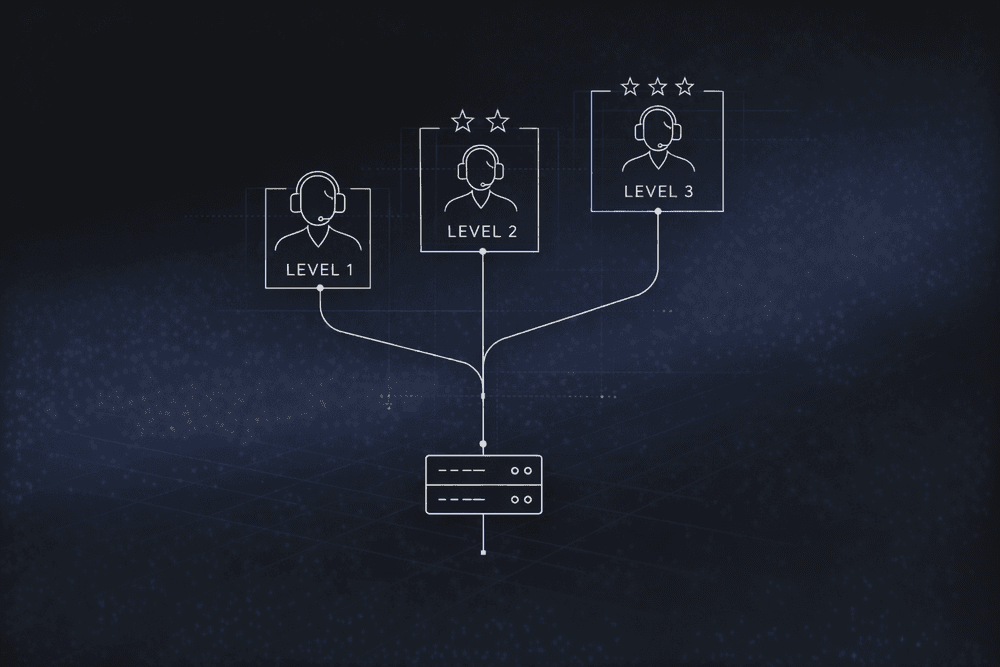
How to Build an IT Issue Escalation Process That Scales
How to Create IT Issue Remediation Workflows for Enterprise Teams
ITSM Workflow Automation: Combining Agents, Rules, and Human in the Loop
How Organizations Automate IT Processes for Efficiency with AI Agents