
The Enterprise Guide to Integrating AI into Human Workflows at Scale
A single purchase order can pass through SAP, Salesforce, and three spreadsheets before it reaches an approver. An IT service ticket can bounce between teams for days while the employee who submitted it follows up by email. A procurement analyst can spend hours on repetitive three-way matching that follows the same logic every time.
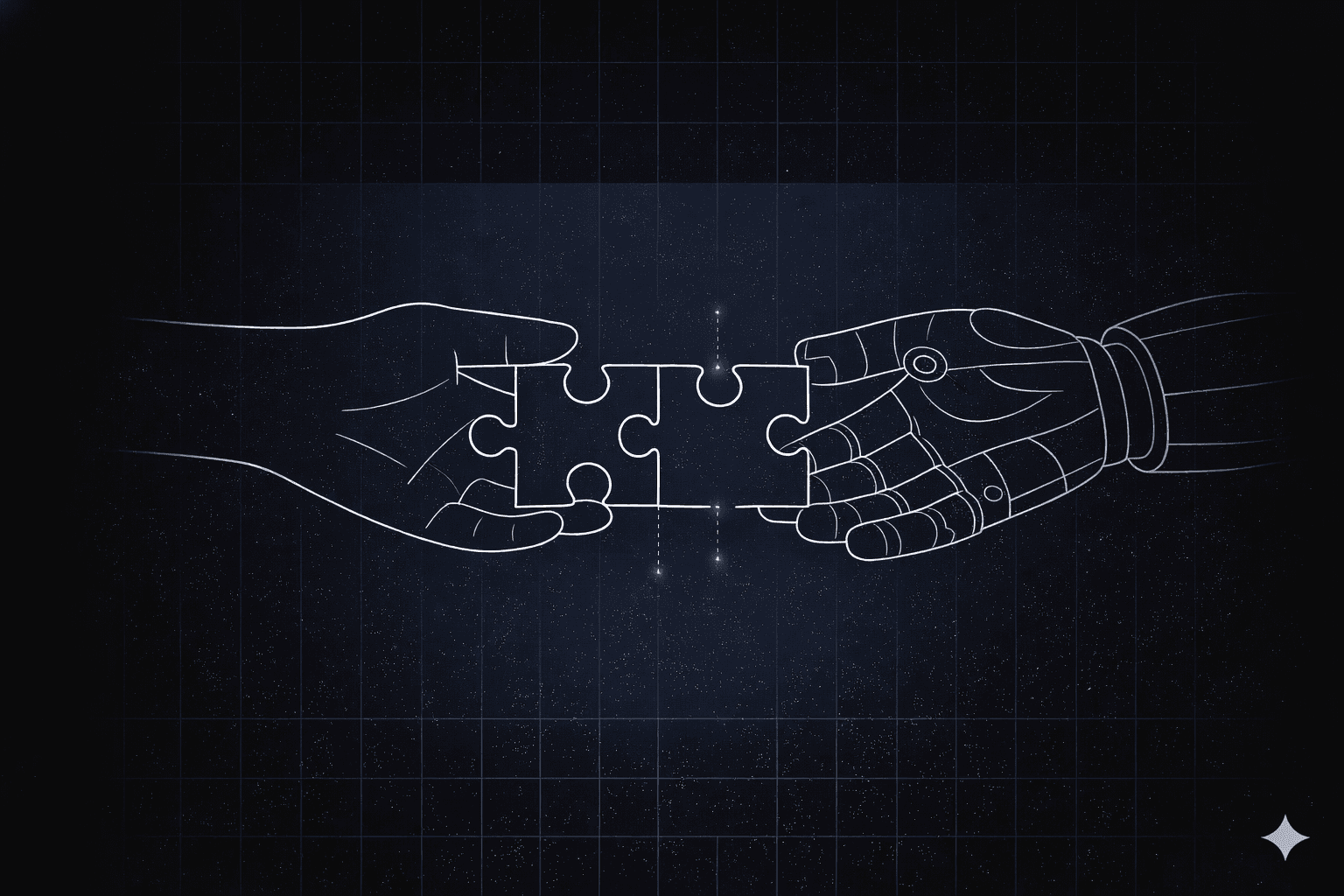
Effective AI integration requires redesigning how these workflows move through your organization. You must decide which steps need human judgment, which follow deterministic rules, and where AI agents can handle bounded tasks with clear guardrails.
This article walks through how to score and select workflows worth redesigning, how to structure collaboration between people, rules, and AI agents, and how to move from pilot to production without rebuilding your tech stack.
What It Means to Integrate AI into Human Workflows
How much value an enterprise captures from AI depends less on the intelligence inside any one tool and more on how well work moves across the full process. Most teams underestimate that distinction.
Three levels of AI integration show the gap between adding features and redesigning work:
- AI features sit inside existing tools and help with isolated tasks such as drafting emails or summarizing tickets. A person still pushes the process forward step by step.
- AI-powered apps can complete a larger task inside one system, such as reviewing alerts and triggering a contained response. They reduce manual effort in that application, but people still carry context across system boundaries.
- AI-driven workflows redesign the process end to end. Rules, people, and AI agents operate in one governed flow, which cuts avoidable handoffs and queue time. For instance, a routine insurance claim can pass through automated review while a complex case reaches an adjuster with the relevant data already assembled.
Most organizations still layer AI onto old processes instead of redesigning the work itself. Only 30% of enterprise teams are redesigning key processes around AI, while 84% have not redesigned jobs around AI capabilities at all.
When AI is layered onto a process that still depends on manual handoffs, email chains, and disconnected systems, the underlying inefficiency stays intact. At enterprise scale, that means thousands of transactions per month still carry the same delays, errors, and compliance gaps that AI was supposed to fix.
How to Choose Where to Integrate AI into Human Workflows
Start by scanning broadly before narrowing to a shortlist. Look across IT support queues, finance exception logs, procurement backlogs, and any process that requires repeated data re-entry or manual handoffs across systems. Every workflow where a person is moving information that a rule or agent could move is worth adding to the candidate list.
Ideas are rarely the bottleneck. The hard part is choosing a starting point that has clean data, clear ownership, and a realistic path to production.
Score each candidate workflow across these dimensions:
- Business value: Estimate the financial or operational gain if you redesign the workflow. Start with high-frequency, high-cost, or high-error processes because gains compound quickly at volume.
- Data readiness: Confirm that clean, structured data already exists. If it does not, the project can turn into a data cleanup effort before the workflow reaches production.
- Speed to value: Favor workflows that can show measurable results in one to three months. Early proof helps secure budget and stakeholder support.
- Risk exposure: Start where errors are recoverable. That gives the team room to learn before automating decisions with legal or regulatory consequences.
- Organizational readiness: Check for executive sponsorship, process ownership, and change capacity. Without those, a sound design can still stall during rollout.
This scoring process keeps early pilots tied to business outcomes instead of demo appeal.
Use this framework to rank the top candidates, then validate with a data audit and architecture review before committing. BCG research shows that teams who redesign the workflow itself capture larger gains than those who add AI tooling to an existing process.
How to Avoid Rebuilding Your Tech Stack While Integrating AI into Human Workflows
Most enterprise teams do not need a rip-and-replace project to bring AI into operations. They need a governed layer that coordinates work across the systems they already run.
The rise of adaptive orchestration reflects a growing need for that coordination layer. Platforms like Elementum's Workflow Engine sit on top of SAP, Salesforce, Oracle, ServiceNow, and your data environment, then connect through APIs and native connectors so the workflow can query and act where the data already lives.
Skipping this workflow coordination creates AI agent sprawl. When every major system adds its own AI agents, teams end up with duplicate automations, inconsistent controls, and security gaps across departments.
For example, before orchestration, a purchase order may require repeated data entry, manual approval chasing, and multiple email threads to track status. After orchestration, the same order can move across systems with AI handling bounded tasks such as document extraction, deterministic rules handling routing, and humans stepping in at defined decision points.
How to Start Integrating AI into Human Workflows
This simple rollout plan will keep your AI implementation grounded in business outcomes. The goal is to move from current-state mapping to a governed production workflow without letting scope outrun change capacity.
Step 1: Map and Baseline the Current Process
Document how work flows today, including delays, rework loops, and system handoffs. Establish baseline metrics such as cycle time, error rate, cost per transaction, and time spent by role.
You need that baseline to prove improvement later. It also prevents arguments over whether the pilot actually changed the process. Automating a broken sequence usually spreads the same errors faster, so this mapping step shapes the quality of every later result.
Step 2: Redesign Roles, Decisions, and Collaboration Patterns
Decide which steps belong to deterministic rules, which belong to AI agents, and which still require human judgment. In enterprise workflow deployments, three collaboration patterns appear consistently:
- Triage then route: AI handles intake, categorization, urgency, and routing. Humans handle escalations and exceptions. This works well when most requests are routine but edge cases still need judgment.
- AI draft then review: AI produces the first pass on reconciliation, coding, or document handling. Humans review complex cases. This shifts human work toward exceptions, so reviewer quality grows more important over time.
- Summarize then decide: AI aggregates data, generates options inside policy guardrails, and flags risks. A person makes the final call. This pattern is essential in regulated decisions because accountability stays with a human owner.
Those patterns work best when the guardrails are explicit. Set confidence thresholds for autonomous action, give people human-in-the-loop override rights, and keep audit trails of the data used and the action taken.
Step 3: Orchestrate Across Existing Systems
Connect rules, people, and AI through a governed layer such as Elementum's Workflow Engine. Each workflow should query data where it already lives and follow existing security policies. Any platform that replicates or migrates data outside your environment creates new governance gaps, audit burden, and compliance exposure across SOC 2, HIPAA, and GDPR boundaries.
Over 40% of agentic AI projects are predicted to be canceled by the end of 2027 due to escalating costs, unclear business value, and inadequate risk controls.
A governed orchestration layer addresses all three of these failure modes. It controls cost by right-sizing AI spend across workflow steps, produces a clear measurement model for proving business value, and embeds risk controls directly in the workflow rather than treating them as an audit afterthought.
Step 4: Pilot, Measure, and Learn
Start with a high-frequency process where small gains add up quickly. Set clear KPIs before launch, use human review thresholds from day one, and track operational and financial outcomes throughout the pilot.
That discipline keeps the work tied to business value. It also reduces the chance that the pilot becomes a technical demo with no path to scale.
Step 5: Scale with Governance
Once one workflow performs reliably, carry the same patterns into adjacent processes. Document which decisions AI can make, which require approval, and how every automated action is audited.
Clear documentation reduces control gaps as adoption spreads. It also gives security, compliance, and operations teams a shared reference point.
How to Prove ROI for Integrating AI into Human Workflows
Executive teams evaluate AI investments on business impacts that they can defend in a board presentation. Your measurement model should connect workflow changes to cost, risk, and service outcomes.
Use three tiers of measurement:
- Operational metrics: Track cycle time, SLA compliance, throughput, and error rates. These metrics usually move first because workflow changes affect daily execution immediately.
- Financial impact: Model savings conservatively and tie them to transaction economics, rework reduction, or contractor spend avoided. This framing positions an AI investment as operational leverage and tends to hold up better under the financial scrutiny that board presentations attract.
- Experience metrics: Watch employee productivity, employee satisfaction, and customer satisfaction over time. These signals are useful, but they rarely carry the ROI case on their own.
That scorecard gives finance, operations, and IT a common view of progress. It also keeps teams from claiming success on time-saved estimates alone while missing the cost and risk story executives expect.
Before scaling, compare pilot results against the original baseline by role, queue, and transaction type. That level of detail shows whether improvement came from better routing, fewer exceptions, faster approvals, or higher straight-through processing.
Choose AI Workflow Orchestration for Integrating AI into Human Workflows
AI workflow adoption depends on coordinating people, rules, data, and AI agents across systems while preserving control, auditability, and data sovereignty.
Elementum's Workflow Engine treats humans, business rules, and AI agents as equal actors in the same workflow. AI agents can handle bounded tasks inside that governed flow, while your team uses approval workflows to review exceptions or high-risk decisions.
You can also set confidence thresholds, approval logic, and audit trails directly in the workflow. This helps you scale automation without losing visibility into who approved what, which model acted, or when a human stepped in.
Our Zero Persistence architecture protects your data, always. We'll never train on it, replicate it, or warehouse it. That commitment matters in enterprise environments because copied data creates governance gaps, audit burden, and lock-in risk.
Contact us to see how Elementum orchestrates people, rules, and AI agents across your existing systems.
FAQs About Integrating AI into Human Workflows
What's the Biggest Barrier to Integrating AI into Existing Enterprise Workflows?
Skills gaps, unclear process ownership, and weak change management often slow progress as much as technical constraints. A sound design can still stall if no one owns rollout and adoption.
How Long Does It Take to Move from AI Pilot to Production Workflow?
That depends on data readiness, process complexity, and governance requirements. Teams move faster when they treat production as a governed deployment from the start.
What Governance Should Be in Place Before Deploying AI Agents?
Define where AI is used, which use cases carry material risk, who owns failures, and what thresholds trigger human review. The strongest approach builds those controls into the workflow with restricted access and full audit trails.
How Do You Keep AI from Making Unchecked Decisions at Scale?
Set approval thresholds based on confidence, transaction value, or policy risk, then route anything outside those bounds to a person. Review those thresholds regularly because drift in data quality or upstream systems can change the workflow's risk profile over time.